
Tags
Share
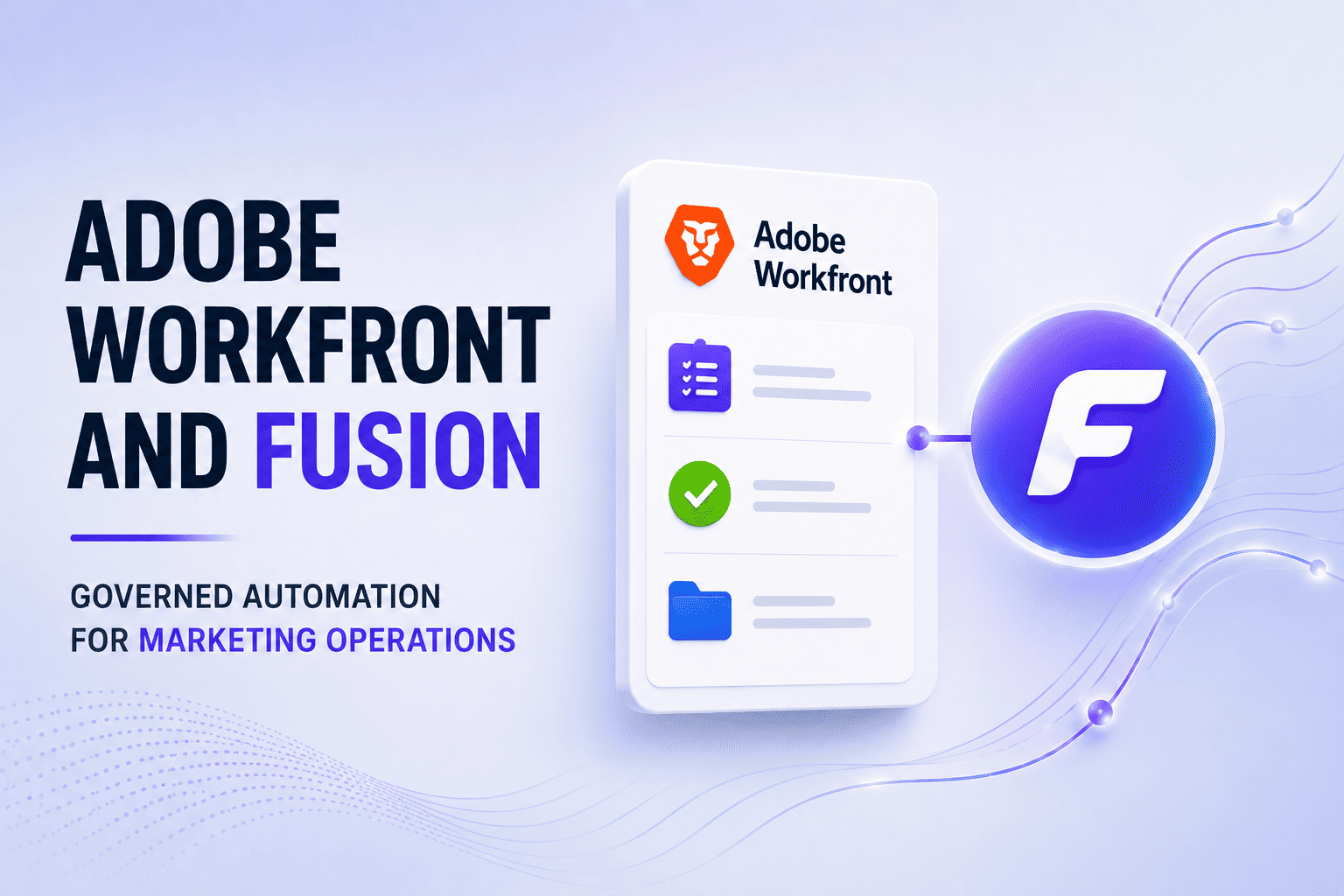
Adobe Workfront and Fusion can transform collaborative work, but successful automation starts with understanding how decisions and ownership work across the organization. This article shows how this principle shaped one enterprise marketing implementation.
Workfront as the Marketing Control Center
The market is hardly short of tools for organizing and tracking collaborative work. You’re probably familiar with Jira, Asana, Monday.com or Smartsheet, each promising a clearer route from request to result. Adobe Workfront occupies a distinct place in that landscape: it coordinates complex work across enterprise marketing organizations where plans, resources, reviews, approvals, and delivery must stay connected even at scale.
Adobe positions Workfront as a marketing system of record, and Forrester recognized it as a Leader for collaborative work management in The Forrester Wave™: Collaborative Work Management Tools, Q2 2025. Its business appeal rests on practical strengths: centralized planning and execution, granular roles and permissions, structured review and approval, and visibility across portfolios of interdependent work.
For our clients, those strengths matter most when Workfront connects to a digital asset management system. The marketing asset follows a single continuous operational route—from the campaign concept or new product introduction (NPI), through visual development and approval, to production and publication across websites and digital channels. Break that continuity and you’ll see a familiar split: the project status lives in one place, while teams are hunting elsewhere for the current PDF, tech specs, licensing details, or keywords required for publication.
The secret sauce is Workfront Fusion. It is the low-code orchestration layer that moves data and triggers actions between Workfront, DAMs, marketing tools, databases, and other systems. In our customer-facing integrations, Workfront serves as the central tracker for campaigns, projects, tasks, issues, reviews, and approvals, while Fusion synchronizes the surrounding systems and carries each approved change forward.
There are many automation tools, such as n8n, Zapier, and Make, that connect applications and arrange workflows between them. But for processes already centered on Workfront, Fusion offers a distinct structural advantage: it works with Workfront's native objects, states, permissions, and approval logic. Your automation therefore follows the same project relationships and governance rules that define the work itself.
Process Discovery Comes Before Integration Design
In a recent project for a customer, the campaigns and NPI asset flows ran through Workfront projects. As external agencies produced assets for each product configuration, the delivery required a process design that accounted for approval paths and asset data. Teams needed rendition details, license information, keywords, and other metadata to move assets through the next stages of the process. At the same time, requesters and approvers required different levels of access so that requesters could submit and track requests, while approval work stayed inside the appropriate group.
It’s details like these that determine the integration design. Before you build a single scenario, settle on the project structure, the permission model, who owns each field, and when each handoff happens. Get those wrong and every scenario inherits the mistake. That’s why it’s crucial that marketing, technical, and leadership stakeholders all take part.
We started with discovery across systems and stakeholder groups, documenting current- and future-state process maps, integration and data flows, as well as a technical solution design. Each group contributed different information. Marketing stakeholders described campaign and approval flows. Technical stakeholders identified data requirements and missing connector events. Leadership stakeholders coordinated decisions about the process and its operating model. Interestingly, we discovered that different teams owned individual systems and workflow steps, but no team owned the end-to-end process. The maps made that gap visible and gave every group a shared implementation reference.
Implementing Workflows with Workfront and Fusion
We used Workfront and Fusion in tandem. Workfront provided the structure, including projects, tasks, issues, reviews, approvals, and campaign activity. Fusion handled the actions and data flows through automated workflows known as scenarios. We used these scenarios to:
- Transfer request data between requester and approver projects.
- Synchronize project statuses between those project spaces.
- Configure Workfront permissions for requester access.
- Create versioned PDFs from custom-form fields for review.
- Move metadata and related data for downstream asset handling.
Each scenario had to comply with the workflow's project boundaries and approval states. The status-synchronization scenario needed explicit treatment so that irrelevant entities weren’t matched. We applied the same scrutiny to field ownership and timing. The metadata had to land in the downstream system at the right point in the approval flow — early enough to be useful, late enough to be approved. Our solution design documented how data moved between Workfront, the DAM, a campaign management platform, a product data source, and the web publishing database.
Connector Events and Polling
Workfront connector capabilities shaped the scenario design. Some events we needed simply didn’t exist, so parts of the implementation fell back on scheduled polling. Polling is a workaround for missing event types. This required pinning down the interval, the record selection rules, the duplicate-processing controls, and the state checks that run before any subsequent action.
This also shaped the test plan. Scenario tests had to cover the records selected during polling, the transition that triggered a transfer, and the state that determined whether a downstream action could proceed.
Scenario Governance
Fusion scenarios are configuration artifacts that require the same versioning, documentation, and testing as code. We exported scenario JSON to a version control system, documented every scenario and its modules, and tested them against production-like data before anything ran in production.
This kind of discipline pays off because the pieces are coupled. Workfront project structures, permissions, custom forms, and approval paths all sit on the same implementation surface and depend on each other in many ways. The version history and documentation give you the map of those dependencies. And when one scenario changes, you can see what else needs review before the change ships.
Keep the Operating Model in Focus
A Workfront + Fusion implementation has to reflect how requests, approvals, PDFs, statuses, and metadata move through an enterprise. Workfront organizes the projects and workflow activity. Fusion handles the transfers and synchronization steps. Where events are missing, scheduled polling can check for changes instead.
Many of these decisions can’t be made in a configuration screen. They require an engineering approach grounded in how the organization actually works. And here's the part you cannot skip: mapping the process to reconcile how each team thinks it works with how it actually works. Only then should you automate, translating that operating model into Workfront structures and Fusion scenarios.
Exadel brings the relevant parties into the design and establishes an operating model that works for the organization. The end result is governed automation that reflects both the process and the people responsible for running it.