
Tags
Share
Adobe Workfront and Workfront Fusion automate complex marketing processes, but an incomplete view of ownership, platform limits, and deployment constraints can prevent them from working reliably in production.
In the previous article, we showed how Exadel used both Workfront and Fusion to translate an operating model into coordinated workflows. But reaching that result is rarely straightforward. Our experience revealed specific migration and governance problems teams must solve before Workfront and Fusion can reliably integrate into the production process.
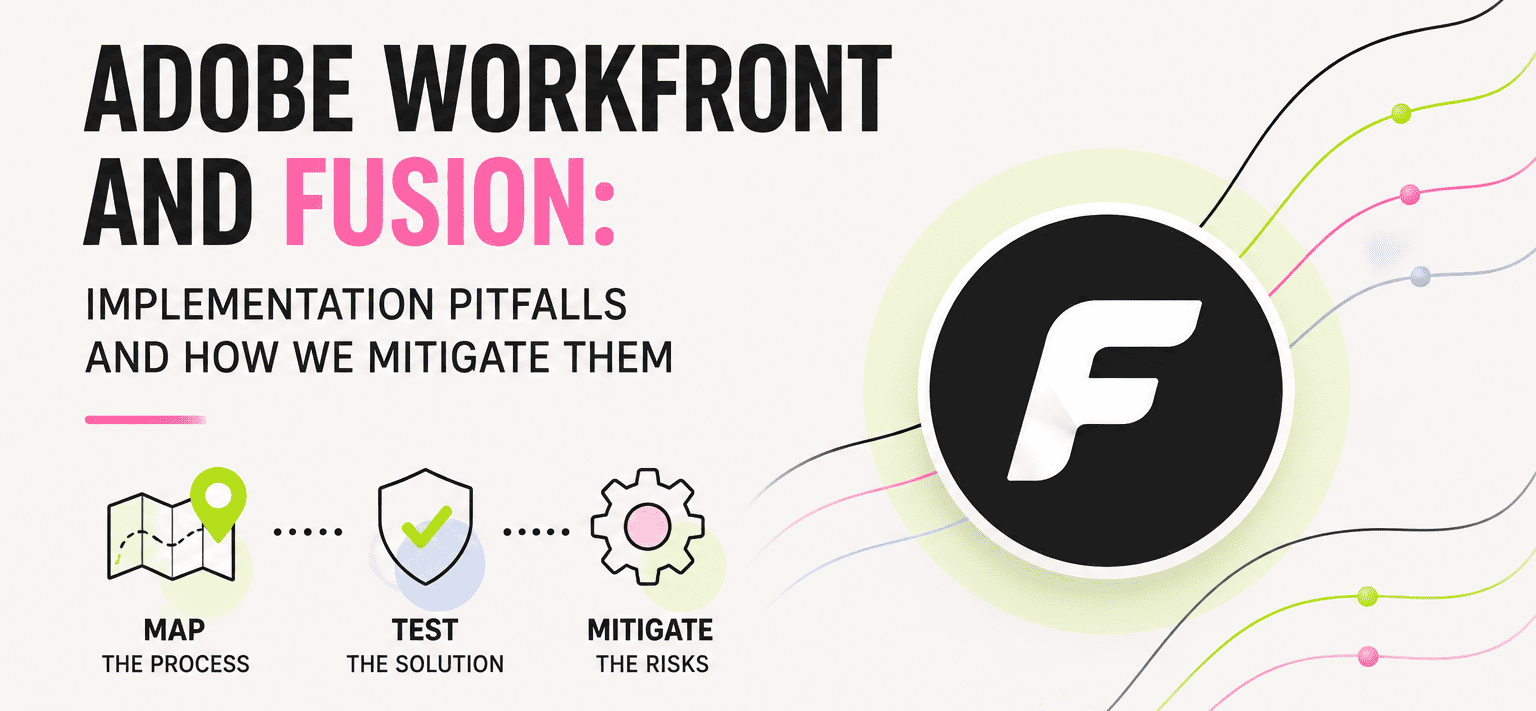
Map the Operational Routes
Workfront is most effective when it reflects how work is actually requested, reviewed, approved, and delivered. The same applies when Workfront connects with a digital asset management (DAM) system. Whenever you design an automation that creates, modifies, or publishes digital assets, you need to document operational routes by answering the following questions:
- What decision starts each process?
- Which data changes hands at each stage?
- Who owns approval, exception handling, and correction?
- Which status changes must trigger an integration?
- Where does a process require a human decision?
Without these answers, teams risk configuring only the visible workflow while missing how the process actually operates. Users may choose to bypass the platform because it doesn’t reflect how they work. Manual work then continues unnoticed by the stakeholders responsible for delivery outcomes.
Discovery should produce current-state and future-state process maps, integration and data flows, as well as a technical solution design. These working implementation artifacts expose missing owners, unclear data contracts, and automation dependencies before they become production incidents.
Plan Implementation and Testing First
A formal implementation of Workfront and Fusion can appear complete in a sandbox and still fail when it reaches production. The usual cause is an incomplete map of decisions, data routes, and stakeholder relationships. The impact on the business is predictable: teams return to spreadsheets, emails, and manual handoffs while they wait for the platform to catch up. This is why your implementation plan needs to define who can test, where they can test, which automations remain disabled, and how approved changes move forward. It’s governance work, but it protects the delivery schedule.
For example, identical entities such as portfolios, programs, projects, and custom forms receive different IDs in sandbox and production environments. As a result, references between these entities cannot be transferred from sandbox to production. That’s why In a recent implementation, we decided to create code directly in the production environment—in an isolated ‘ProdDevelopment’ portfolio that regular users don’t access. We then set up reverse syncing from ‘ProdDevelopment’ to the sandbox for testing, which preserved the IDs. However, building a development portfolio inside production creates the risk of over-exposure since test activity can trigger live automations. That’s why isolation rules are part of the setup, never an afterthought.
Test Workfront Fusion Against Your Data
Fusion works well for integrations and reasonably simple logic. Implementation becomes less straightforward when a scenario is used to process large files or complex transformations.
In one of our projects, Fusion's data transfer module failed on files over 200 MB. The source DAM was on-premises and transfers passed through a cloud staging service maintained by the client's platform team. The Fusion module responsible for uploading video files to that server worked well on a number of samples prepared for testing. But it went off the rails as soon as a real-world file exceeded the 200 MB threshold. To make matters even more complicated, those files needed to be encrypted according to the customer's protocols and couldn’t be outloaded to uncertified external storage.
The issue had to be resolved quickly. After a couple of failed attempts, we landed on a workaround that ran as a chunked pipeline:
Make a ranged request (bytes=<start>-<end>) -> Set variable (chunk index, total size) -> Encrypt a chunk -> Upload chunk to staging service -> Repeat until total size reached
It did the job. It also created a dependency outside the Workfront team since the people who maintain the staging service had to implement their own decryption routine and failure handling. That’s an implementation lesson worth keeping: low-code orchestration is still subject to infrastructure constraints that may only become visible with real-world files.
The important thing is to run real-world file-size testing early. Include the largest expected assets, representative metadata, incomplete submissions, retries, and timeout behavior. Don’t validate a scenario with a small sample file and assume it will scale. If your automation needs to process substantial binary content, decide early whether it belongs in Fusion or another runtime.
Assume Triggers Will Need a Fallback
Fusion doesn’t always expose a trigger for every field or status change your process needs. This changes the design of your integration. There are two practical fallbacks:
- Use custom status mapping when a status change can represent the business event.
- Use scheduled polling when the required field update doesn’t have a reliable trigger.
Polling may not be elegant, but it can be explicit, monitored, and predictable when the alternative is a gap in the process. Document the interval, ownership, duplicate-handling behavior, and failure response. Otherwise, a scheduled scenario becomes a quiet source of operational risk.
Custom Forms Cannot Always Show What You Need
In another project, the intended experience was to display DAM metadata dynamically inside a Workfront custom form. This capability wasn’t available as we’d expected. We tried to prototype a solution with the Adobe App Builder extensibility platform, but at the time it didn’t appear to be fit for the required flow. We eventually came up with a fallback: submit the form, use Fusion to look up and map metadata under the hood, then reopen the form with the result so that the metadata change becomes visible to the user.
We learned that a Workfront/Fusion team should keep a proof of concept small and test it as early as possible when a requirement depends on platform extensibility. Validate the current behavior in your own tenant rather than relying on documentation alone. Product behavior can change faster than documentation, especially around specific module capabilities and triggers.
Treat Fusion Scenarios as Code
Fusion scenarios deserve the same discipline as custom integration code. Store scenario JSON in version control and document each module's responsibility and input/output assumptions. Use reviewable commits. Test failure paths and production-like data before deployment.
This discipline gives marketing operations owners a usable change record and developers a clearer way to troubleshoot behavior across Workfront, Fusion, and DAM systems. It also prevents a scenario from becoming an opaque business-critical asset that only one person understands.
Plan for Platform Change
Workfront, and Fusion in particular, evolve quickly. New integrations, content-management tools, and generative AI capabilities can improve an implementation, but they also introduce new planning constraints. A required feature may not yet be mature enough for a production flow. A workaround built around a current platform limitation can become unnecessary, or stop working, after a later release.
Plan for that change from the start. Assign ownership for monitoring releases, allow time to retest critical scenarios, and document the platform assumptions behind each workaround. This keeps a temporary implementation decision from becoming an untracked production dependency.
Exadel begins with discovery, turns the findings into process maps and data-flow designs, and validates every scenario against production-sized files and real ownership boundaries before it reaches the live environment. You get automation that survives migration, missing triggers, and the next platform release—instead of teams quietly returning to spreadsheets.